For Microsoft Flight Simulator 2024 on PS5 and Xbox
Make every sim session count toward your first real flying lesson.
Short narrated lessons explain one idea at a time. Then you fly it in your sim, rate yourself honestly, and get a clear next step — with your phone beside the TV.

Watch
One idea in a narrated 3D scene, cockpit tour or briefing. Most run under two minutes; captions are always on.
Check
Say the answer before you reveal it. Every answer cites the FAA handbook it comes from.
Fly
Follow a short session plan in your sim, rate each task yourself, and keep a log you can show an instructor.
Your console runs the sim. Your phone runs the lesson.
During practice the screen shows one instruction and its targets in type you can read from the sofa. Lessons work offline once saved.
- Platform
- MSFS 2024 on PS5 or Xbox
- Controls
- Controller, stick or HOTAS · pedals, twist or triggers
- Cockpit
- G1000 C172-class trainer
What you'll learn
Seventy-one lessons today across all six phases. Five more lessons are coming later.
Phase 0 Setup and cockpit
Phase 1 Flight fundamentals and systems
- Engine and fuel: follow the supply1:31
- Electrical power: source, bus, load1:34
- Pitot-static: where the numbers come from1:31
- V-speeds and the airspeed tape1:22
- The four forces0:41
- Pitch controls airspeed0:50
- Climbing with power0:49
- Leveling off1:22
- Trim away the pressure1:15
- Fly along: straight and level0:54
- Coordinate the turn0:52
- Fly along: turns and roll-out0:39
- Unusual attitude recovery1:06
- Fly along: pitch and power1:40
Phase 2 Patterns and landings
- Signs, markings and hold-short lines1:11
- The traffic pattern legs1:20
- Talk on the CTAF1:17
- The aim point on final0:49
- Glide-path numbers1:10
- The stabilized approach0:57
- The go-around decision1:08
- Go around without hesitating0:32
- Fly along: the traffic pattern1:21
- Run-up and before-takeoff check2:00
- Normal takeoff and climb0:46
- Approach speed and the gust factor1:10
- Crosswind landing: crab, then wing-low0:47
- Forward slip to a landing0:59
- Vx vs Vy1:02
- Short-field takeoff over an obstacle0:48
- Short-field landing0:35
- Soft-field takeoff0:41
- Soft-field landing0:43
- Calling the tower at KUNV1:18
- After landing, shutdown and securing1:10
Phase 3 Maneuvers, emergencies and airspace
- Steep turns1:06
- Load factor and stall speed0:50
- Slow flight1:02
- Power-off stall and recovery0:50
- Power-on stall and recovery0:52
- Accelerated stall0:53
- Cross-controlled stall on base to final0:49
- Elevator trim stall on a go-around0:47
- Spins: how they start, why you avoid them1:20
- Wind drift and bank angle1:19
- Best glide speed1:01
- Engine failure: the memory items1:20
- Emergency descent0:52
- Fire, electrical and flap failures1:17
- ELT, extinguisher, survival gear1:14
- VFR weather minimums by class1:17
- Right-of-way and seeing traffic1:17
- Night: eyes, illusions, lighting1:15
Phase 4 Navigation and cross-country
Phase 5 Checkride preparation and transition to real instruction
What a lesson looks like
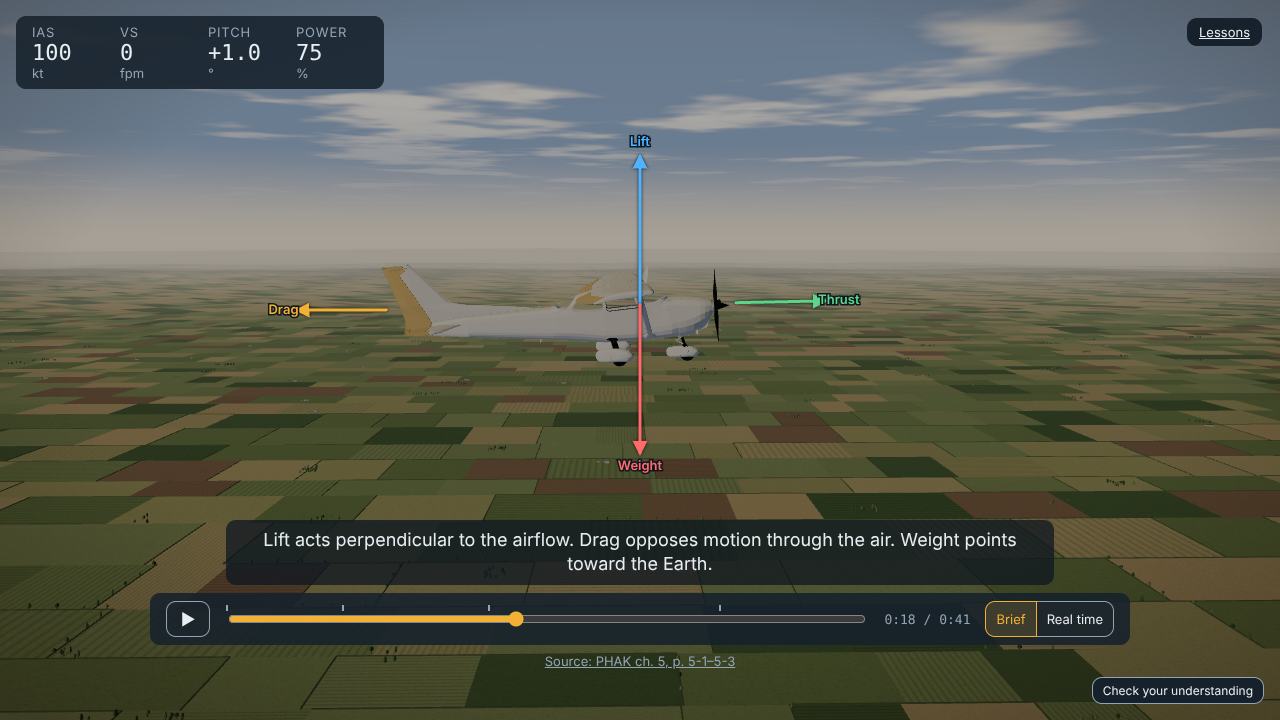
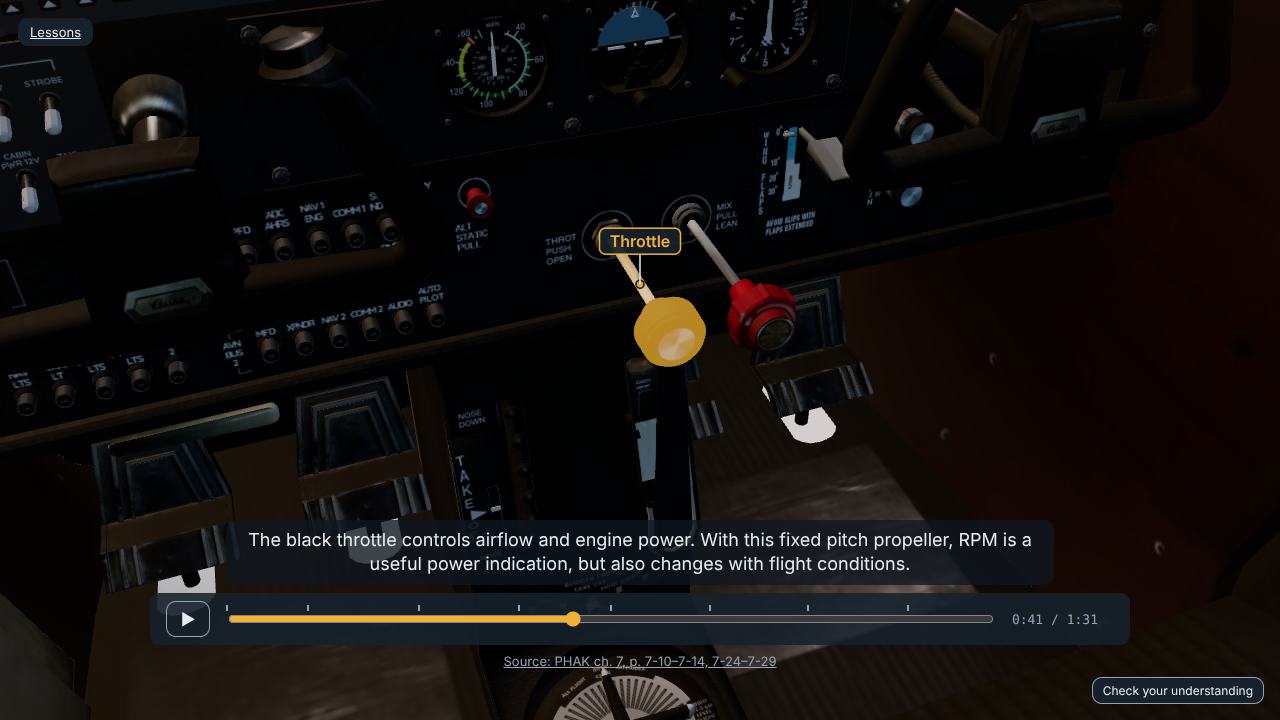
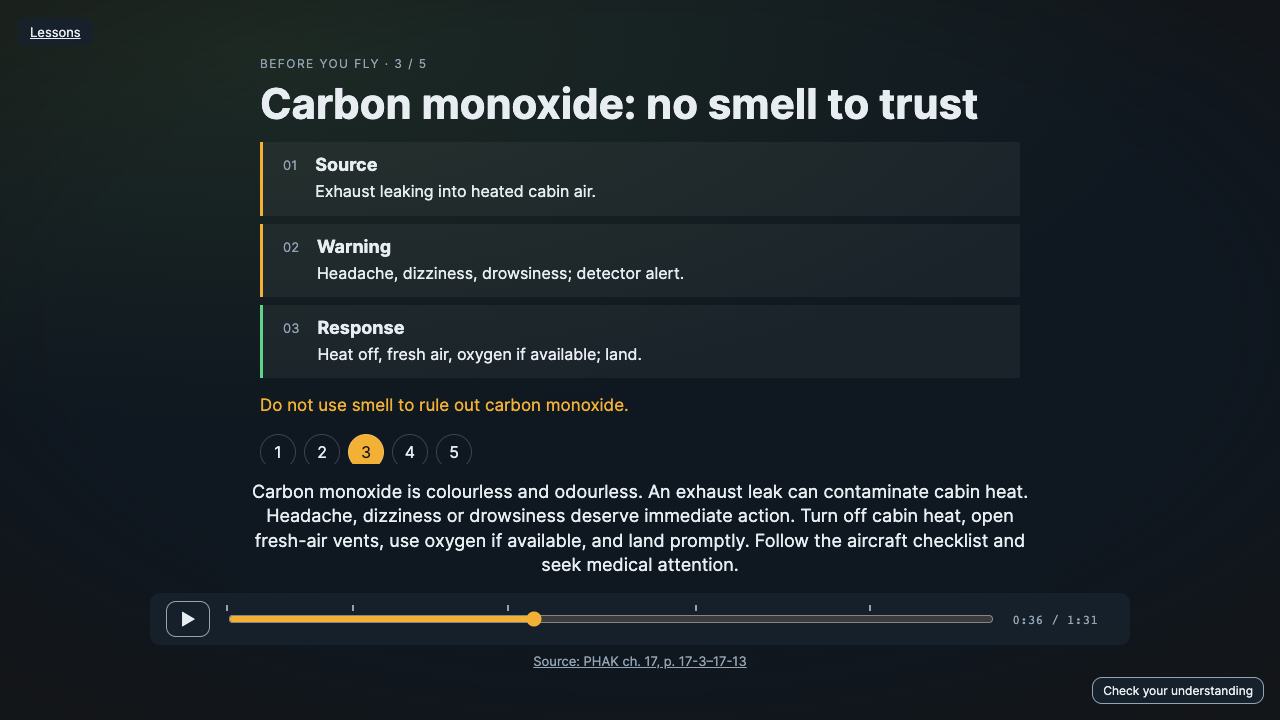
Alongside real instruction, not instead of it.
A home simulator is good for learning names, flows, cause and effect, and decision-making. It can't give you real control forces or an instructor's judgment. Glidepath prepares you so your real lessons go further — it doesn't award qualifications or count as flight time.